Hundreds of machines. The right one in a few clicks.
A product catalogue their own team runs, with filters and a selector that point welders to the right machine and the nearest store.
01 / The brief
Xcel-Arc sells welding machines, helmets, torches and consumables through stores all over New Zealand. With hundreds of products and pages of specs, they needed a site that helps people find the right machine, sends them to a local stockist, and that their own team can keep up to date.
what they asked for
- 01Every product, with full specs
- 02A quick way to narrow things down
- 03Buyers sent to a store nearby
- 04Updates without calling a developer
02 / Follow a customer
Follow a customer.
What we built, the way a welder uses it, and what each step does for the business.
Step 1 of 5
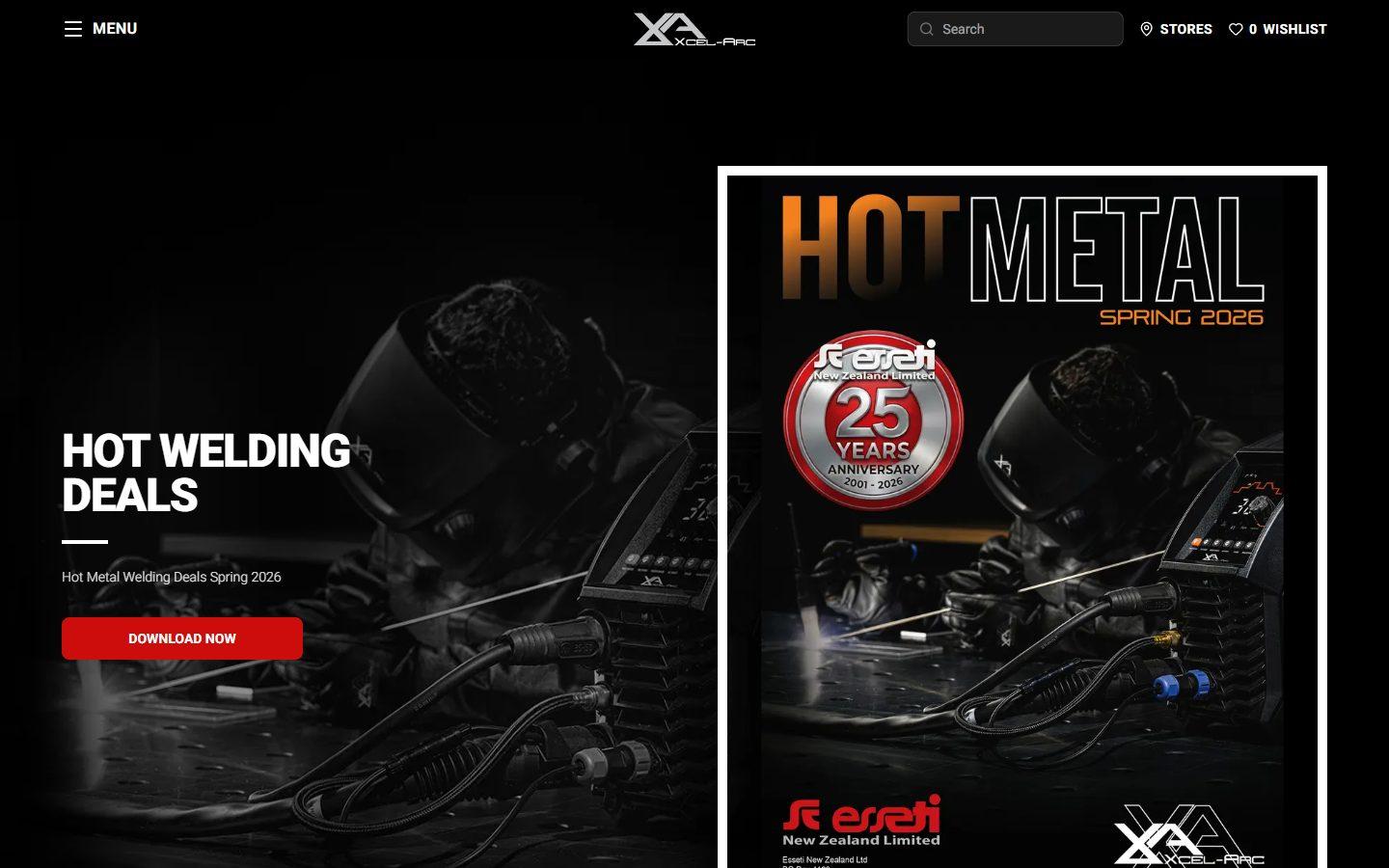
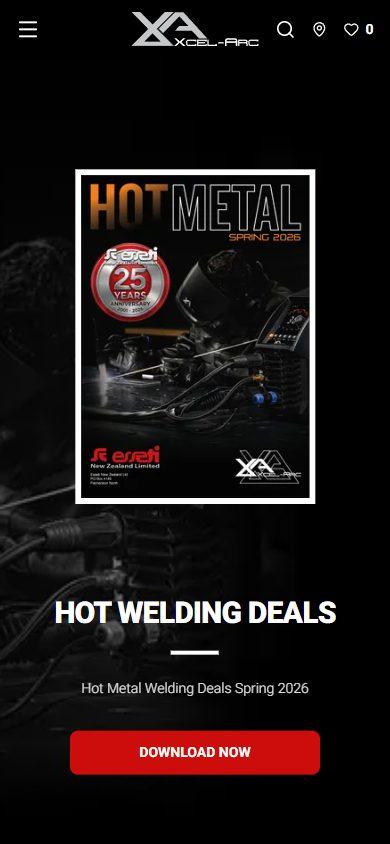
Lands on this season's deals
The latest promotion and the free product catalogue are the first thing people see.
For the businessThe team swaps deals in and out themselves.
Step 2 of 5
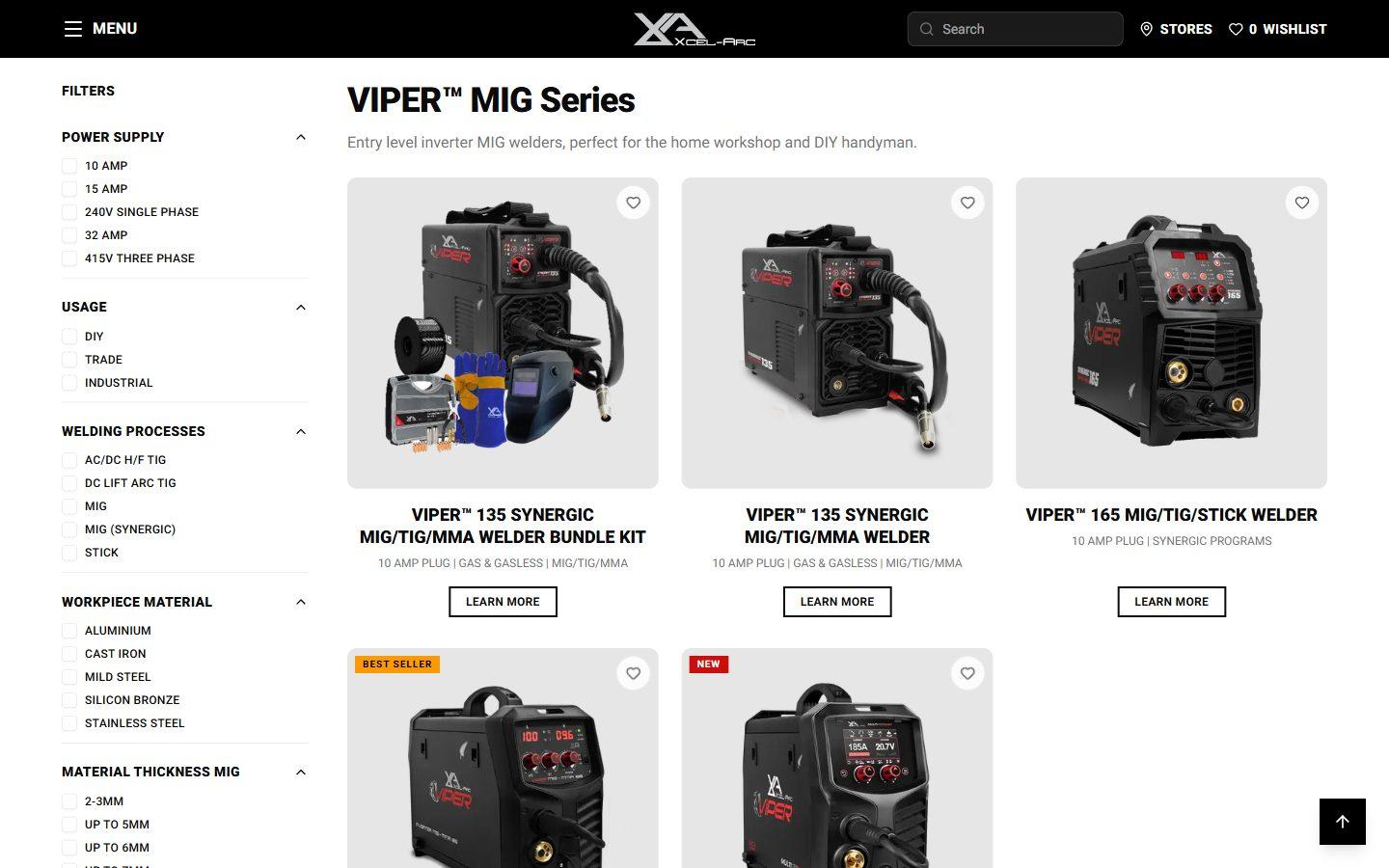
Narrows it down
Filters for power supply, usage, welding process, material and thickness leave only the machines that suit the job.
For the businessFewer “which one do I need?” calls.
Step 3 of 5
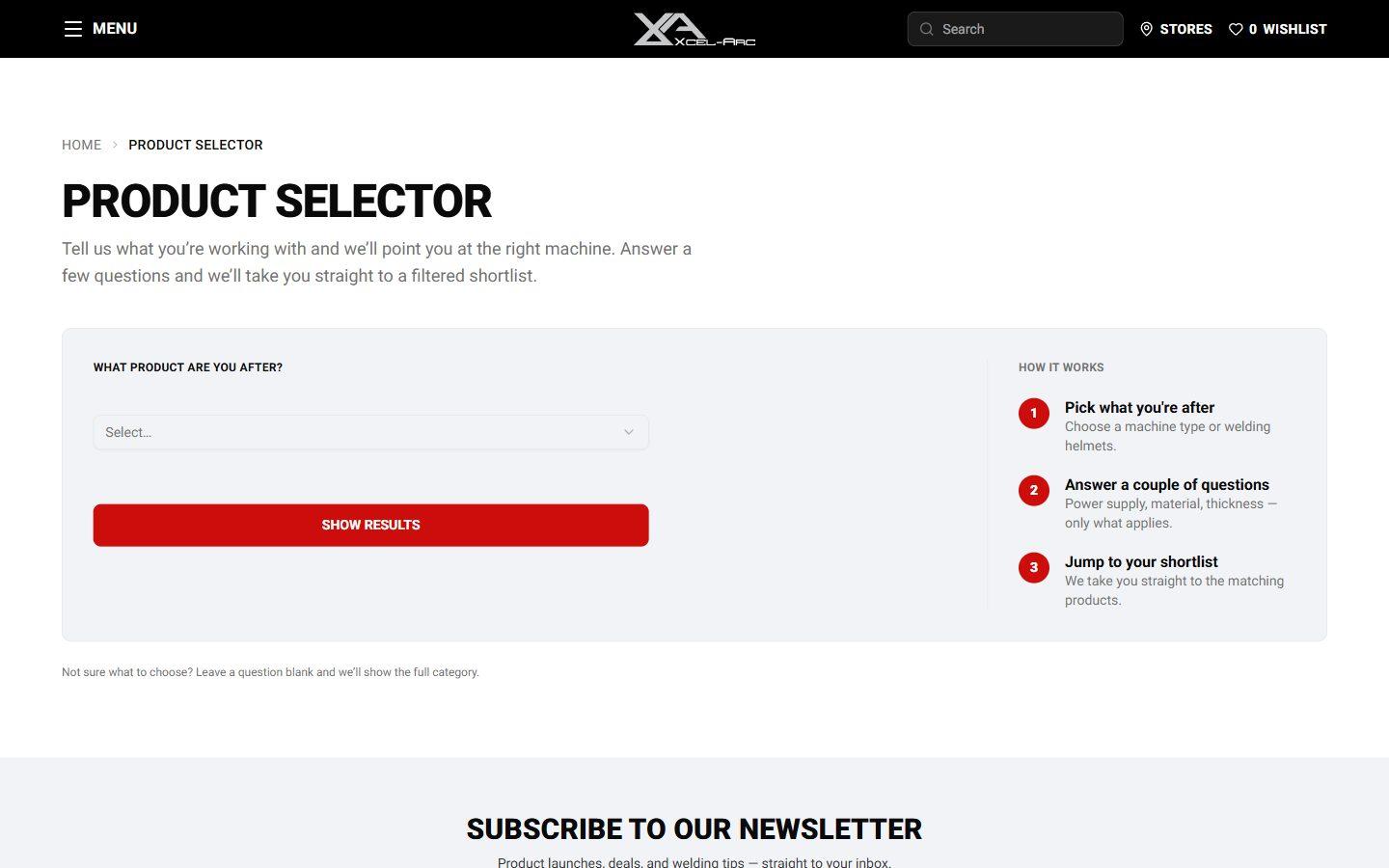
Not sure? Answers a few questions
The product selector asks what they're working with, then jumps to a ready-made shortlist.
For the businessGood advice, even after hours.
Step 4 of 5
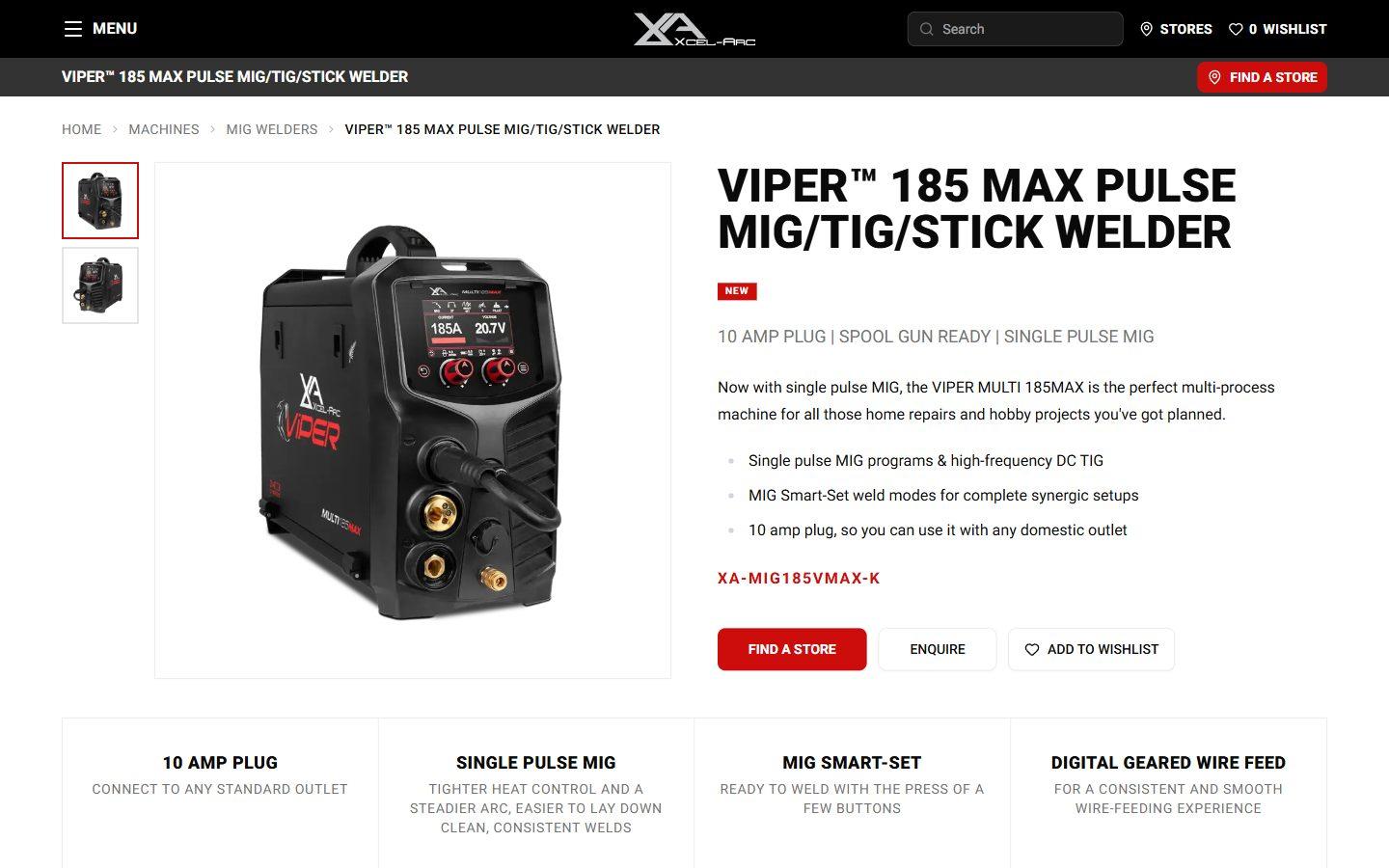
Checks the details
Clear specs, key features and the product code, with buttons to enquire, save to a wishlist or find a store.
For the businessCustomers walk in already knowing what they want.
Step 5 of 5
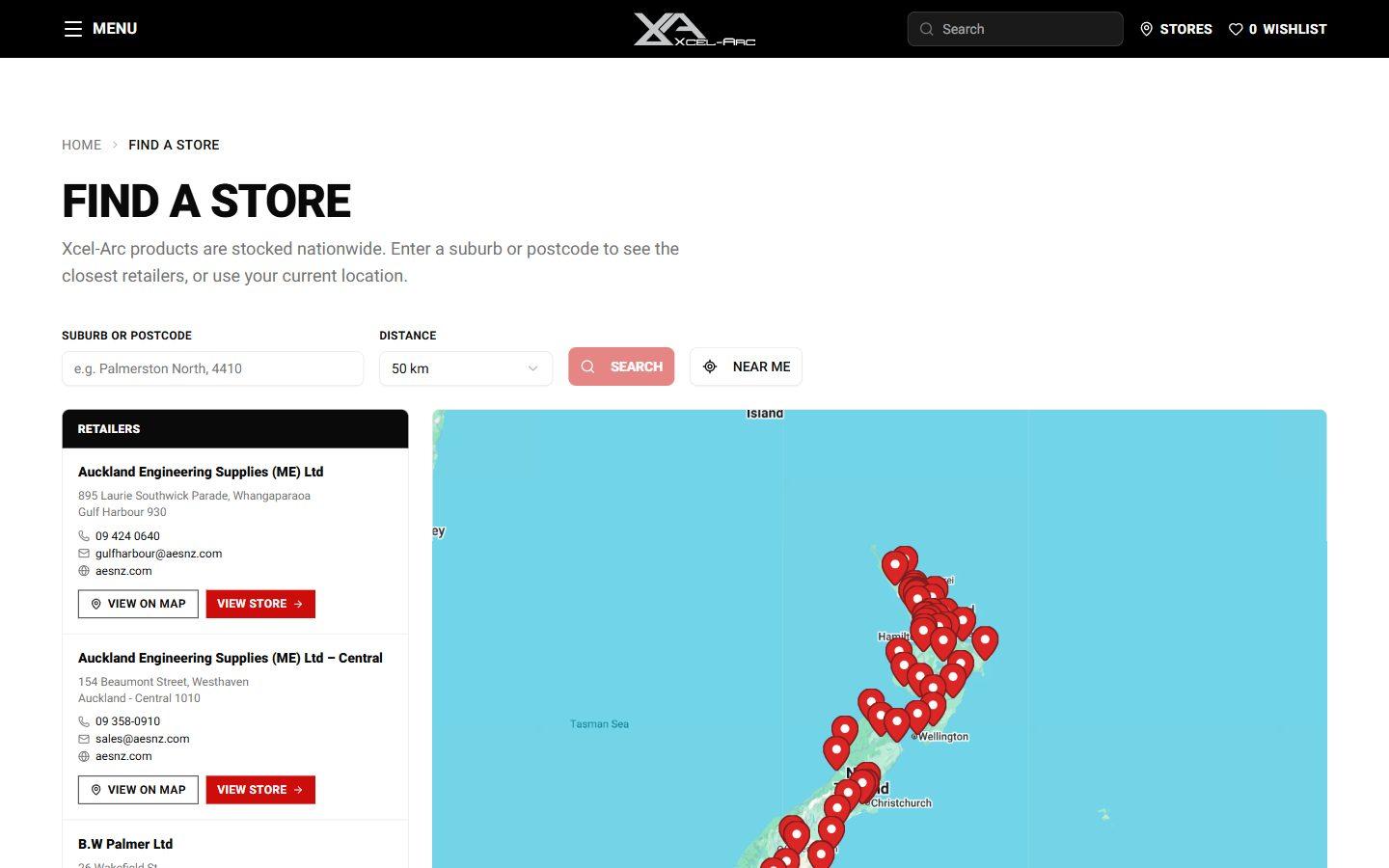
Finds a stockist nearby
A suburb, a postcode or their current location shows the closest retailers on a map.
For the businessOnline browsing turns into in-store sales.
03 / Behind the scenes
Their team runs the catalogue.
We built an admin area shaped around their products. Staff add a machine, fill in its specs and tick the filters it belongs to, and it's live on the site. No developer needed.
- Products, specs and photos
- Filters and the product selector
- Deals and catalogue downloads
- Store locations on the map
04 / The result
What we did, and what changed.
- A product catalogue their team updates themselves
- Filters by power, usage, process, material and thickness
- A product selector that builds a shortlist
- Product pages with specs, enquiries and wishlists
- A store locator with every stockist on a map
- Warranty registration and catalogue downloads
What changed
Customers find the right machine and the nearest store on their own, and the Xcel-Arc team keeps hundreds of products up to date without waiting on anyone.
See it live at xcelarc.nz